When using a laser hair removal device, it’s frustrating to face the issue of it not flashing. Many users wonder, “why is my laser hair removal instrument not flashing?” This problem can stem from various factors, all of which require your attention. Understanding the reasons behind this malfunction can save you time and effort, ensuring a smoother experience.
Often, the device may not be functioning due to a dead battery or improper charging. It’s crucial to check power connections and battery levels. Sometimes, user error can be to blame. Following the instructions carefully is key. Inexperienced users may overlook safety mechanisms that prevent the device from activating.
Additionally, environmental factors can affect your equipment. Overheating or exposure to moisture can trigger safety features that halt operation. Reflecting on these points is vital to improve your understanding of the device. Troubleshooting is part of the learning process, and recognizing these issues equips you for better usage in the future.
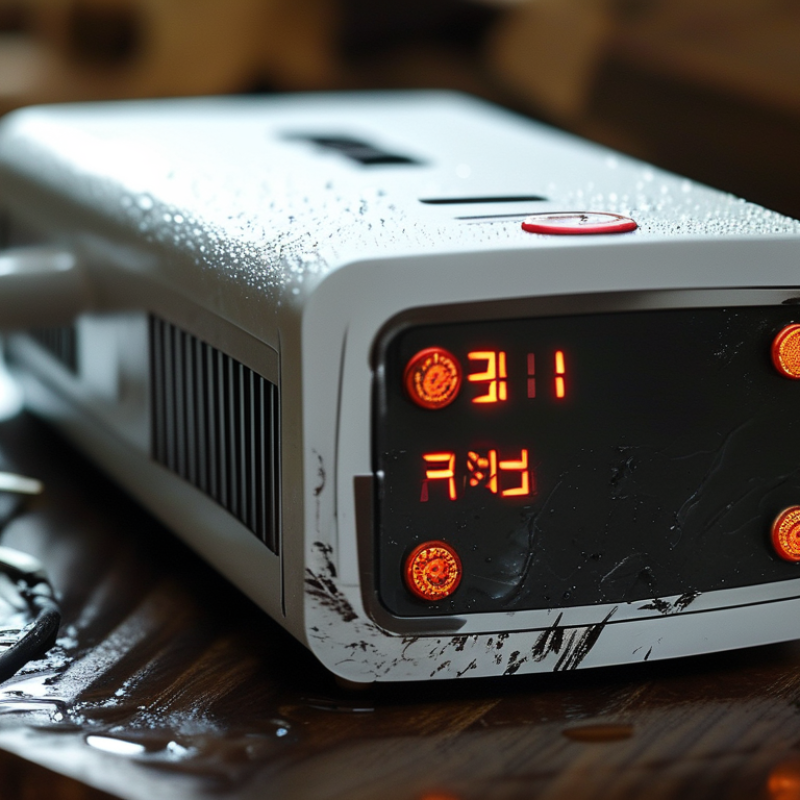
Understanding the Basics of Laser Hair Removal Devices
Laser hair removal devices are gaining popularity for their convenience and effectiveness. Understanding how these devices work is essential for any user. Typically, laser hair removal targets pigment in hair follicles, using light energy to damage them. This process can lead to a significant reduction in hair growth over time. According to industry studies, patients can see up to 90% hair reduction after multiple sessions. However, results can vary based on hair color, skin tone, and individual physiology.
If your laser hair removal device isn't flashing, it may be due to several factors. Ensure the device is charged and the skin contact is proper. Many devices have safety features that prevent operation unless they detect skin. Cleaning the lens might also be necessary. Regular maintenance can extend the device's life.
Tips: Always conduct a patch test before use to determine your skin's reaction. This can help avoid potential unwanted side effects. Be patient; hair growth cycles can affect results. Multiple sessions are often needed for optimal outcomes. Remember, not all devices are created equal. Research and learn about the technology used in your device for informed use. This understanding can prevent frustrating moments when the device fails to flash.
Common Issues with Laser Hair Removal Device Flashing
Laser hair removal devices are popular for their convenience. However, one common issue users face is when the device stops flashing. This can be frustrating, especially if you were ready for a session.
Several factors might contribute to this problem. First, check the power source. Ensure the device is charged or plugged in correctly. Sometimes indicators show low battery, affecting the flashing function. Another reason could be the skin sensor. Many devices feature a safety mechanism that prevents flashing on dark skin tones or improper contact with the skin.
If the device fails to flash even after troubleshooting, consider the settings. Some devices have adjustable intensity settings. A lower setting may not produce a flash. Additionally, check for any obstructions on the lens. Dirt or residue can hinder its functionality. Occasionally, firmware updates might be necessary, but updating can be complex. Users must approach such fixes cautiously, as incorrect updates could further complicate the device's operation.
Troubleshooting Steps for Non-Flashing Devices
When your laser hair removal device isn't flashing, it can be frustrating. Begin by checking the power source. Ensure that the device is fully charged or plugged in securely. Sometimes, a simple connection issue can lead to this problem. If it’s rechargeable, try using a different outlet or power adapter.
Next, examine the skin contact sensor. Most devices include a safety feature that prevents flashing if the device isn't in full contact with the skin. Make sure the treatment area is clean and dry. Any obstruction or residue can hinder proper function. If the sensor is dirty, gently clean the area with a soft cloth.
Lastly, check for any error indicators. Many devices have built-in alerts for malfunctions. Refer to the user manual for specific codes. Don't overlook the settings; ensure the energy level is correctly adjusted. If all else fails, consider reaching out to the manufacturer or consulting a professional. Sometimes, a technical issue may require expert intervention.
Common Issues with Laser Hair Removal Devices Not Flashing
Maintaining Your Laser Hair Removal Device for Optimal Performance
Maintaining your laser hair removal device is crucial for optimal performance. Regular care ensures its longevity and efficiency. Many users overlook simple maintenance steps, leading to device malfunctions. A survey by the American Society for Dermatologic Surgery found that 40% of users experience issues due to improper care.
Cleaning the lens is essential. Dust and hair can accumulate, affecting light transmission. Use a microfiber cloth to wipe it down. Ensure the power source is working. A faulty connection might prevent your device from flashing. Check the power settings. Some devices have safety features that stop operation if not used correctly.
Storing the device in a cool, dry place can prolong its life. Heat can damage internal components. Additionally, reviewing the user manual periodically is beneficial; it often contains troubleshooting tips. Many forget this vital resource. Personal experiences vary. Some users report improved results after regular maintenance. However, negligence can lead to frustrating problems. Following basic care guidelines can prevent common issues, ensuring your device works effectively.
Why Is My Laser Hair Removal Device Not Flashing? - Maintaining Your Laser Hair Removal Device for Optimal Performance
| Issue |
Possible Cause |
Solution |
| Device Not Flashing |
Low Battery |
Charge the device fully. |
| Device Not Flashing |
Overheating |
Allow the device to cool down. |
| Device Not Flashing |
Safety Lock Engaged |
Check and disengage the safety lock. |
| Device Not Flashing |
Faulty Handset |
Contact customer support for repairs. |
| Device Not Flashing |
Insufficient Contact with Skin |
Ensure the device is properly placed on the skin. |
When to Contact Customer Support for Your Device Issues
If your laser hair removal device isn't flashing, it might be time to seek help. A flashing light typically indicates that the device is ready for use. This malfunction can stem from various issues. For example, the device may not be charged properly. Always check the battery level first. If the battery seems fine, inspect the device for any physical damage. Sometimes, minor wear can affect performance.
Contact customer support if troubleshooting doesn't work. They can provide guidance on more complex issues. If your device is under warranty, support can assist with repairs or replacements. Take clear notes of any error messages or unusual sounds your device makes. This information can help customer service diagnose the problem efficiently.
Trusting professional support is vital. Not everyone can fix technological issues themselves. Sometimes, manufacturers offer insights about known problems and solutions. Rely on their expertise to avoid potential hassle. Engaging with the right team can save you time and frustration. Always approach customer service with specific details about your situation. This clarity can lead to faster resolutions.
Conclusion
The article titled "Why Is My Laser Hair Removal Device Not Flashing?" explores the common reasons behind a non-flashing laser hair removal instrument. It begins by explaining the fundamentals of how these devices operate and highlights typical issues that may prevent them from flashing, such as insufficient battery power or improper settings.
Furthermore, troubleshooting steps are provided to help users identify and resolve these issues effectively. The article emphasizes the importance of regular maintenance to ensure optimal performance and longevity of the device. Finally, it advises readers on when to reach out to customer support in case of persistent problems, ensuring they can effectively address their concerns around "why is my laser hair removal instrument not flashing.
